
Running the business
SMS, email & notifications
Reaching your customers and your staff — SMS, email, push and Telegram.
WeSelling can reach your customers by SMS and email, your staff by push notification, and you by Telegram. Every channel is optional, and every one uses your own account — the platform does not resell messaging.
What is included, and what is not
| Channel | Who provides it | You pay |
|---|---|---|
| WeSelling — included | Nothing extra | |
| Push notifications | WeSelling — included | Nothing extra |
| SMS | You, through your own Termii or Twilio account | Your provider, at their rates |
Email and push work out of the box. Receipts, order confirmations, gift cards, password resets and the enquiry replies your customers get are all covered with nothing to configure and nothing to buy.
SMS is the one channel you bring yourself. WeSelling routes the message through the account you connect; it does not resell SMS credits and does not mark them up.
Turning SMS on
The SMS toggle asks for credentials because it has nowhere else to get them. Until they are saved, SMS is simply off — nothing silently fails, and nothing falls back to a shared account.
Set up in Settings → Integrations. Two providers are supported:
| Provider | Suits | What you paste |
|---|---|---|
| Termii | Nigeria and West Africa | API key · Sender ID |
| Twilio | International | Account SID · Auth token · Messaging Service SID or From number |
Open an account with the provider
Termii if your customers are in Nigeria or West Africa; Twilio for anywhere else. You fund it directly with them.
Register your sender ID
Both providers require this before anything delivers. It is the name recipients see on the message, and approval takes a day or two.
Paste the credentials
Settings → Integrations → SMS provider. Pick your provider, fill in its fields, save.
Send a test to your own number
Before you rely on it for a real order.
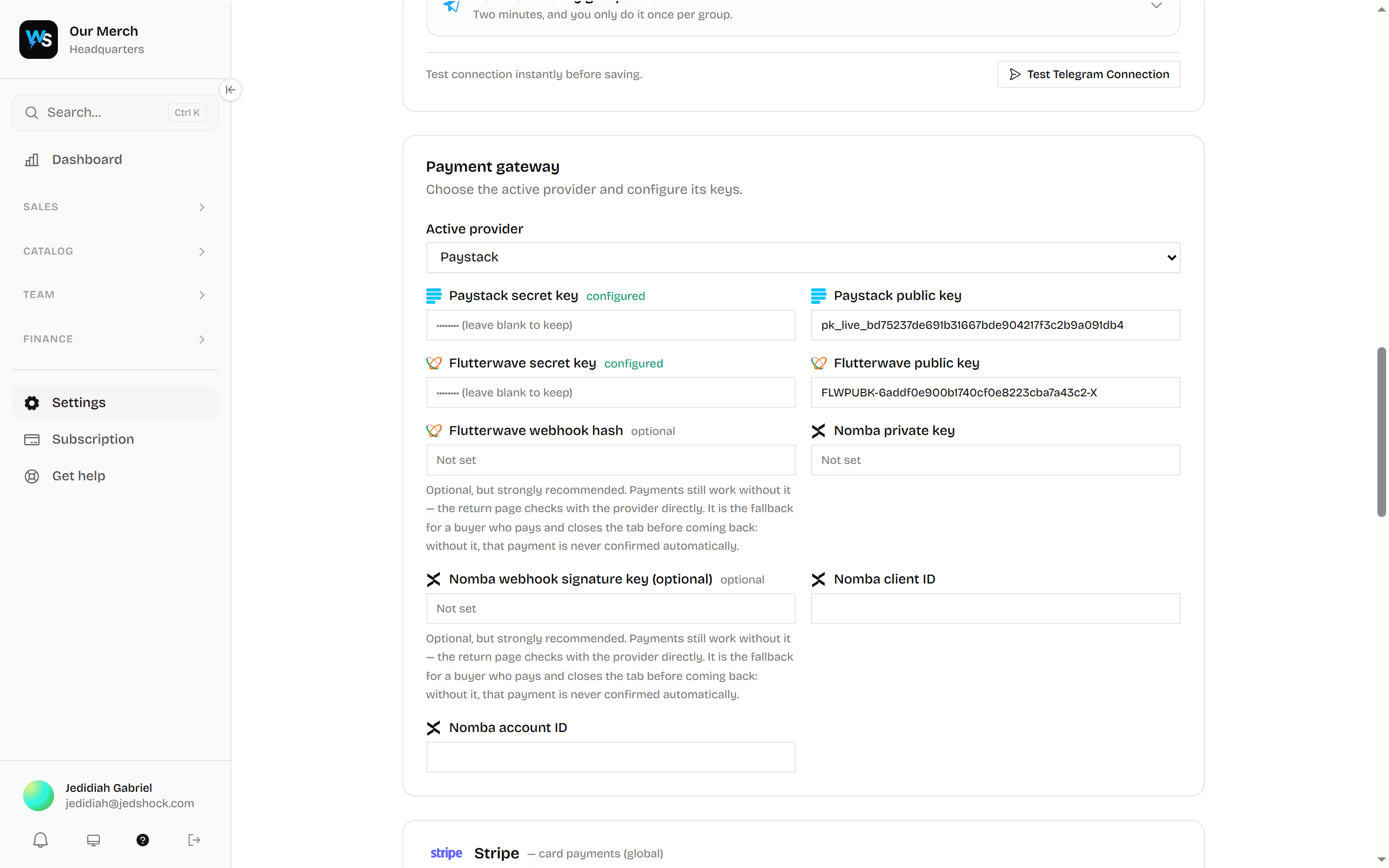
Email uses SMTP, so any provider works — Zoho, Google Workspace, Microsoft 365, or your own host. Set the host, port, username and password in Settings → Integrations.
Email carries receipts, gift cards, order confirmations and password resets. Without it, those become links your customers have to be given another way.
Push notifications
Two separate audiences, and they work differently:
- Staff — order alerts, staff calls, low stock. Each device opts in individually.
- Customers — order updates from a shop they have bought from. They are asked after they have seen something worth being interrupted about, not before.
Telegram
Connect a Telegram bot to get operational alerts — a new online order, a staff call, a payment confirmed — in a group chat. Useful when the people who need to know are not in the app all day.
What gets sent, and when
Every stage of an order reaches the customer who placed it, provided they turned notifications on:
| Event | Who hears | How |
|---|---|---|
| Order placed and paid | Customer | Push, email |
| Payment received | Customer | Push |
| Payment could not be confirmed | Customer | Push, email, SMS |
| A branch starts preparing it | Customer | Push |
| Dispatched / on its way | Customer | Push |
| Delivered or collected | Customer | Push |
| Gift card spent — new balance | Customer | Push, email |
| Something back in stock | Customers opted into new stock | Push |
| Online order placed | Staff | Push, Telegram |
| Receipt issued | Customer | |
| Gift card issued | Recipient | |
| Staff called to a table | The department | Push |
| Stock below reorder level | Staff with inventory access | In-app |
| Payment confirmed | Staff | Telegram |
Back in stock
When an item that had run out becomes buyable again, every customer opted into new stock is told. Only genuine restocks count: an item going from none to some. Topping up something that was already in stock is a delivery detail, not news.
Announcements are batched for a few seconds and sent as one message — a delivery keyed in as forty separate items produces "Rice, Beans, Oil and 12 more", not forty notifications. Sending forty is how a shop's customers turn notifications off for good.
If nothing is configured
The app works. Receipts are links rather than emails, order updates are seen in the app rather than pushed, and alerts appear on the dashboard rather than on a phone. Nothing breaks; it is quieter.
Customers who ask you to stop
A customer can opt out of notifications. Honour it — the same message that is welcome after an order is a complaint when it is the fourth one this week, and in several jurisdictions it is also a legal obligation rather than a courtesy.